Video editing has become an essential step for content creators and marketers and freelancers who work in growing digital market of 2026. Video editing transforms raw footage into compelling stories which help increase viewer retention on YouTube and TikTok by up to 80 percent. Video editing experts of 2026 recommend storytelling methods instead of flashy effects because they will help Pakistani audiences understand PSL games and wedding vlogs through their pacing and emotional cuts. Free video editing applications such as CapCut provide users with essential functions which include trimming clips and adding transitions and color correction and audio mixing.
Creators begin their work by following mobile-first procedures which involve shooting in 4K vertical format aspect ratio and editing on Android devices and later producing content for Instagram Reels. AI video editing has developed since 2025 because it can now manage 70 percent of work which includes captioning and noise removal. Daily practice through 5-minute clips allows users to develop their speed because professional editors can complete their polished videos within one hour.
Essential Video Editing Tools
Video editing tools serve as the fundamental elements of every creator’s workflow system because they enable users to work with both no-cost mobile applications and advanced PC software across different financial ranges and expertise levels. The essential tools for Pakistani freelancers who edit PSL highlights or digital marketing reels start with CapCut as the top Android video editing application and end with DaVinci Resolve which provides advanced Hollywood-level capabilities.
Top Mobile Apps
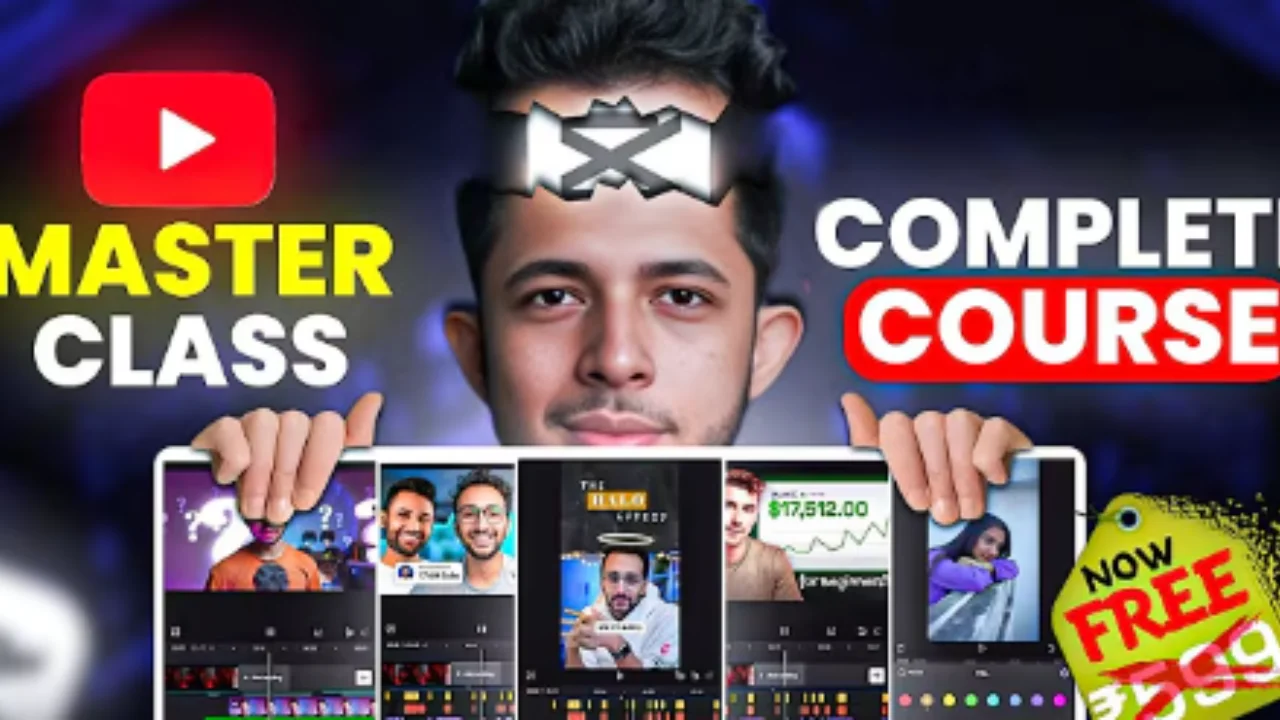
- CapCut: The best video editing application for Android devices is CapCut because it provides users with free artificial intelligence (AI) captions and templates and 4K export capabilities. The application operates perfectly on Samsung devices for TikTok use while providing free artificial intelligence captions and templates and 4K export functionality.
- VN Video Editor: The software provides users with a straightforward drag-and-drop interface. The software automatically matches music to musical beats.
- InShot: The application enables users to create social media content within a short time. The application allows users to include text and crop images to the 9:16 format.
All services operate without charges pro version costs approximately PKR 500 per month. The application serves as an effective tool for creating speedy vlogs about Punjab.
Best Desktop Software
- DaVinci Resolve: The software provides users with professional-grade color correction capabilities without any cost. The software serves as a suitable tool for personal computers.
- Premiere Pro: The software Premiere Pro enables them to link multiple cameras for a monthly fee.
- Filmora: The software provides simple to use effects which are suitable for beginners.
A system with 16GB RAM is required to run 4K content smoothly.
Read Also : Ultimate Video Editing Pack
Best Video Editing App for Android
The best video editing app for Android in 2026 is CapCut which has 500 million downloads and TikTok integration. The application provides artificial intelligence features for automatic captioning and keyframe animation and access to a stock content library which suits Pakistani creators who want to create Reels while using public transport. The software provides users with 1-tap speed adjustments and over 1000 different transitions and chroma key greenscreen capabilities and users can export their work in 4K resolution without any watermarks for a subscription price of PKR 600 per month.
PowerDirector provides users with AI-powered object deletion while KineMaster enables users to create multilayered audio content and YouCut offers its users a free no-watermark plan. The workflow begins with users importing clips and then trimming them on the timeline before they proceed to add text and effects and duck audio and finally export at 1080p with 60fps. Users can edit their content in airplane mode to save battery power. The application requires users to add Urdu subtitles as CapCut’s artificial intelligence achieves 90 percent accuracy. Who are new to video editing require 20 minutes to complete 10-minute vlogs while professionals can manage 4K weddings. Security concerns prevent users from downloading APK files because they should access the application through the Play Store.

Video Editing App for Beginners
Beginner friendly video editing apps prioritize simplicity CapCut leads with drag-and-drop timelines and templates for vlogs, tutorials, or PSL highlights. The user needs to install the program and then create a new project which will automatically import all gallery content while they can use the “Smart Cut” AI function to delete all silent parts. Key video editing tips start with 3-5 clips, add crossfades, boost volume 3dB, and fade in/out music. Alternatives are as iMovie (iOS free), LumaFusion (pro mobile, PKR 3000 one-time). The user should follow these steps to initiate their first video editing project:
- Eliminate all non-essential words from the content.
- B-roll cutaways (20% screen time).
- The user needs to overlay text using font which will display with pop-on animation.
AI Video Editing Revolution
The content creation process of 2026 receives an advanced transformation through AI video editing which manages all repetitive tasks that include cutting silences and adding captions and generating clips thus enabling creators to save 60 percent of their work time. The Runway ML tool enables to create realistic B-roll footage through entering short descriptions CapCut provides beginner-friendly editing tools through its Android phone features which include Smart Track for face detection in movement and one-click background removal which enables users to achieve professional results without needing specialized knowledge. The process requires users to upload their raw footage into the application which enables AI to convert audio into editable text and users can make modifications through typing or cutting lines and the application will display all captions and cuts and voice enhancements as they synchronize in real time.

Top Video Editing Tips
- Top tips provide fundamental rules which transform basic videos into professional works through the planning process which starts with creating a shot list to identify 10 to 15 essential scenes that need to be filmed thus achieving 80 percent more efficiency while decreasing unnecessary film material.
- The rule of thirds requires users to use CapCut’s grid overlay feature which helps them position subjects outside the central area for making attractive natural compositions which will attract viewers without needing difficult camera operations.
- The short video format requires clips to have a duration between 3 and 7 seconds for Reels and shorts because this timing keeps viewers engaged while matching TikTok’s preference for rapid video transitions.
- The top priority for audio requires me to begin by normalizing levels to -6dB peaks and removing all noise because poor sound quality makes 50 percent of viewers leave faster than terrible visual elements.
- L-cuts let dialogue audio flow into the next shot for natural storytelling while J-cuts let viewers hear the next scene’s audio before the current scene ends.
Advanced Video Editing Tips and Tricks
Advanced tips and tricks enable professionals to develop cinematic experiences through montage theory which requires you to speed up edits according to the increasing musical intensity of qawwali performances to create tension for wedding videos. Speed ramping requires you to move from 200 percent fast-forward to 20 percent slow-motion to emphasize critical moments such as a cricket ball hitting stumps during PSL highlights.
Editors can use DaVinci Resolve proxy mode to achieve seamless high-resolution 8K videos on mid-range computers through automatic creation of low-resolution proxy files which will change back to their original format during the export process.
Free vs Paid Video Editing Software
| Free Video Editing Software | Paid Video Editing Software |
| CapCut | Adobe Premiere Pro |
| InShot | Adobe After Effects |
| VN Video Editor | Filmora |
| DaVinci Resolve | Final Cut Pro |
- Free video editing software provides 90 percent of content creators with sufficient capabilities because they can use DaVinci Resolve which offers complete professional features that include unlimited 4K exports and 10 advanced color grading tools and Fairlight audio functions and Fusion VFX pages which create visual effects without requiring watermarks or payment subscriptions that cost thousands.
- CapCut provides its free users with access to AI captions and templates and speed ramps while they can export videos at 4K/60fps resolution without watermarks whereas the Pro trial gives users premium effects access for PKR 600 monthly.
- Paid software provides Adobe Premiere Pro at PKR 2000/month excels in team collaboration via shared projects and Dynamic Link to After Effects for seamless motion graphics workflows, ideal for agencies handling digital marketing campaigns.
- The limitations of free versions remain unimportant because KineMaster permits users to export at 720p resolution only when they watch watermarked content yet drafting rough cuts in CapCut or Resolve allows users to work on free versions until they need to use paid tools for final production.
Conclusion
Creators who master video editing skills after 2026 will unlock new possibilities to create captivating YouTube and TikTok content and digital marketing materials. The guide provides essential tools which include CapCut as the top Android video editing application together with AI video editing innovations and professional video editing techniques and DaVinci Resolve as a free software option to help you develop practical abilities.The process begins with minor steps which allow you to test different ideas before achieving content that becomes popular online.
FAQs
What is the best video editing app for Android?
CapCut tops the list as the best video editing app for Android free AI features, templates, and high exports make it perfect for quick Reels and vlogs on Samsung phones.
Which is the best video editing software for PC?
DaVinci Resolve is the software for PC free pro color grading, audio tools, and unlimited exports rival paid options like Premiere Pro.
What are essential video editing tips for beginners?
The video editing tips establish shot lists, require rule of thirds usage, limit clip length to 3-7 seconds, recommend audio repair before B-roll introduction which contains 30% of the content.
How does AI video editing work?
Descript and CapCut and Runway AI tools enable users to edit through text and develop facial recognition and create video content via transcription and editing before export.
Which to choose free or paid software?
Most creators begin with free software options such as Resolve or CapCut which allows 90% of users to remain within the free category while only team features or advanced effects justify the transition to expensive software solutions such as Premiere or Filmora.
The content on CoolEdits is written by a passionate creator M Naveed with hands‑on experience in photo editing, AI prompt engineering, and social media trends. With a strong focus on practical results, the author regularly tests tools, analyzes trends, and shares techniques that actually work for modern content creators.