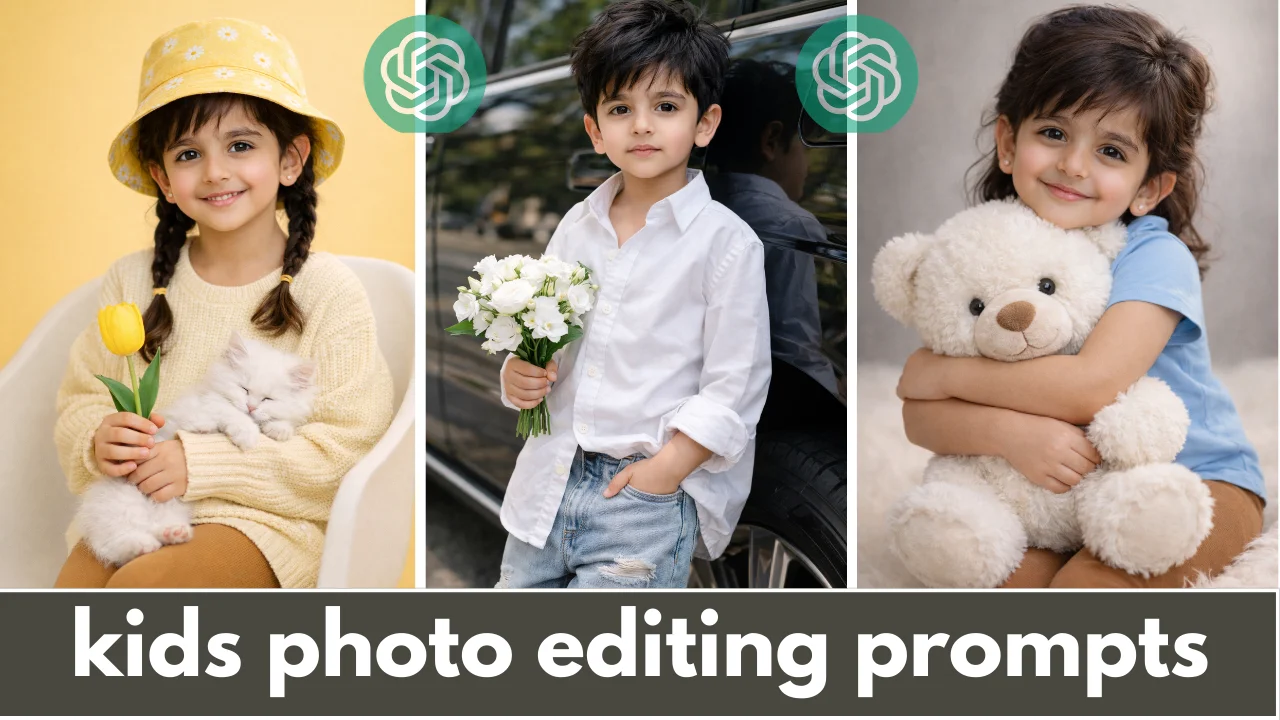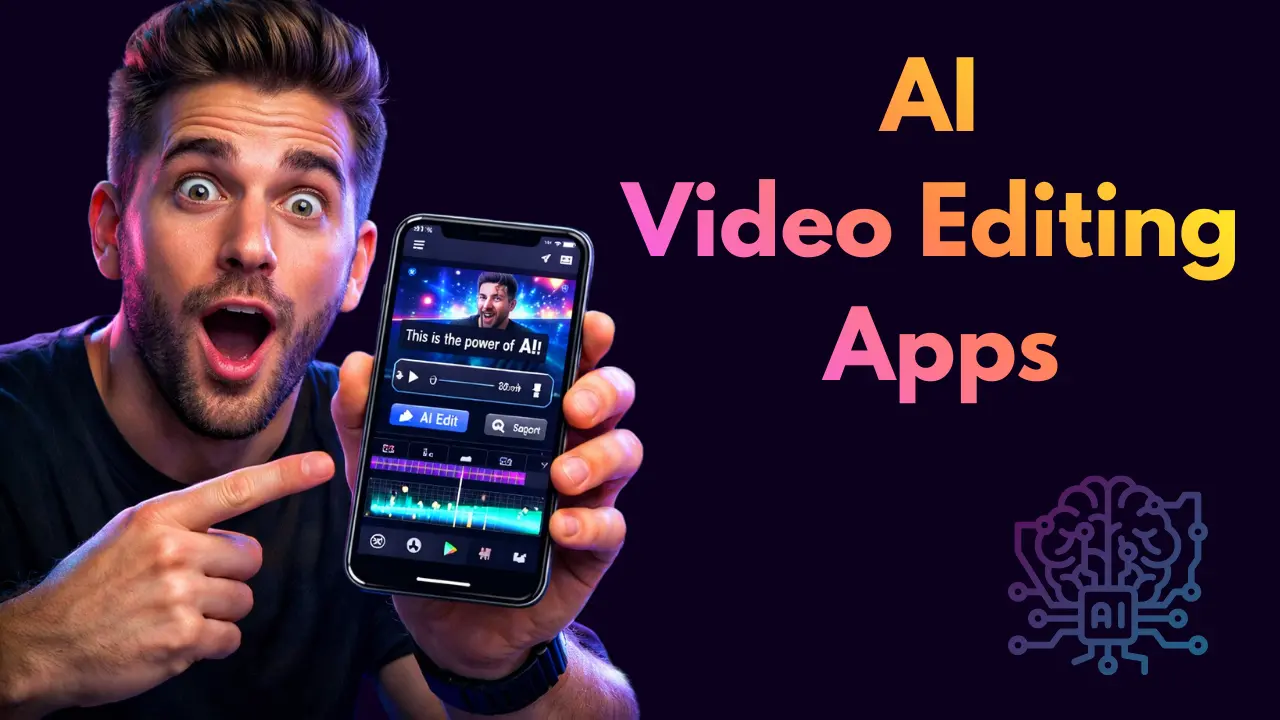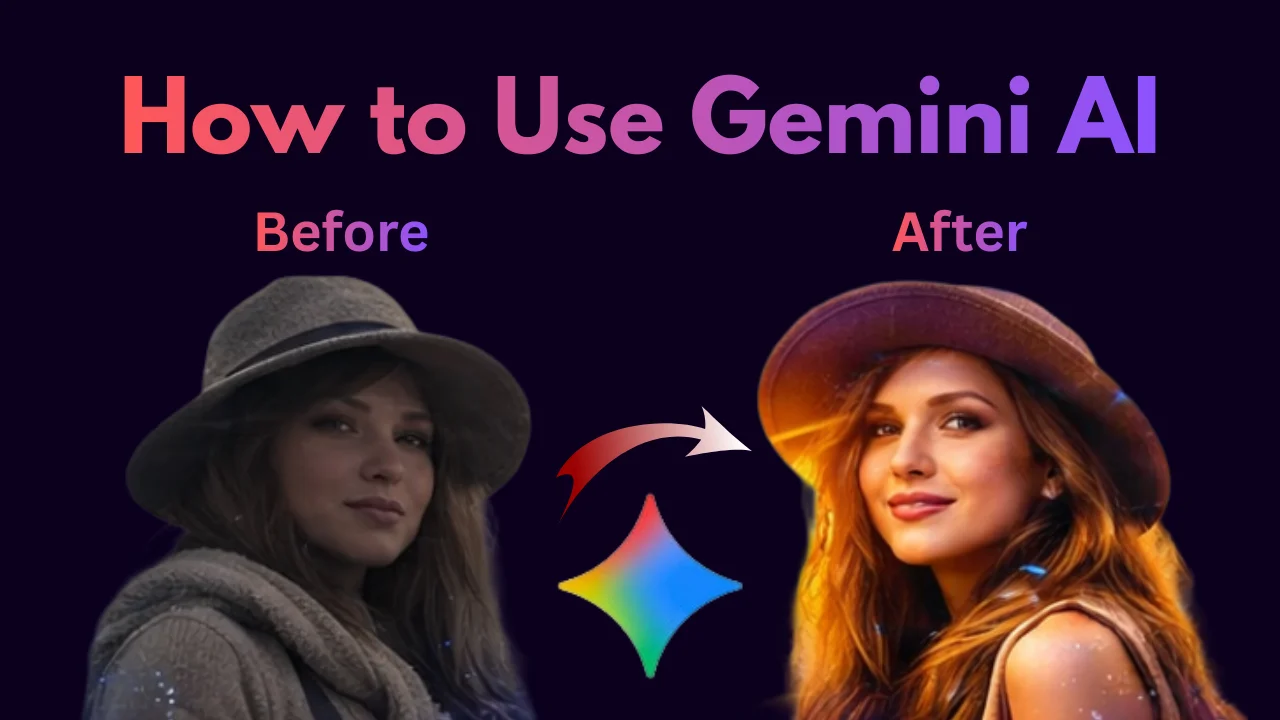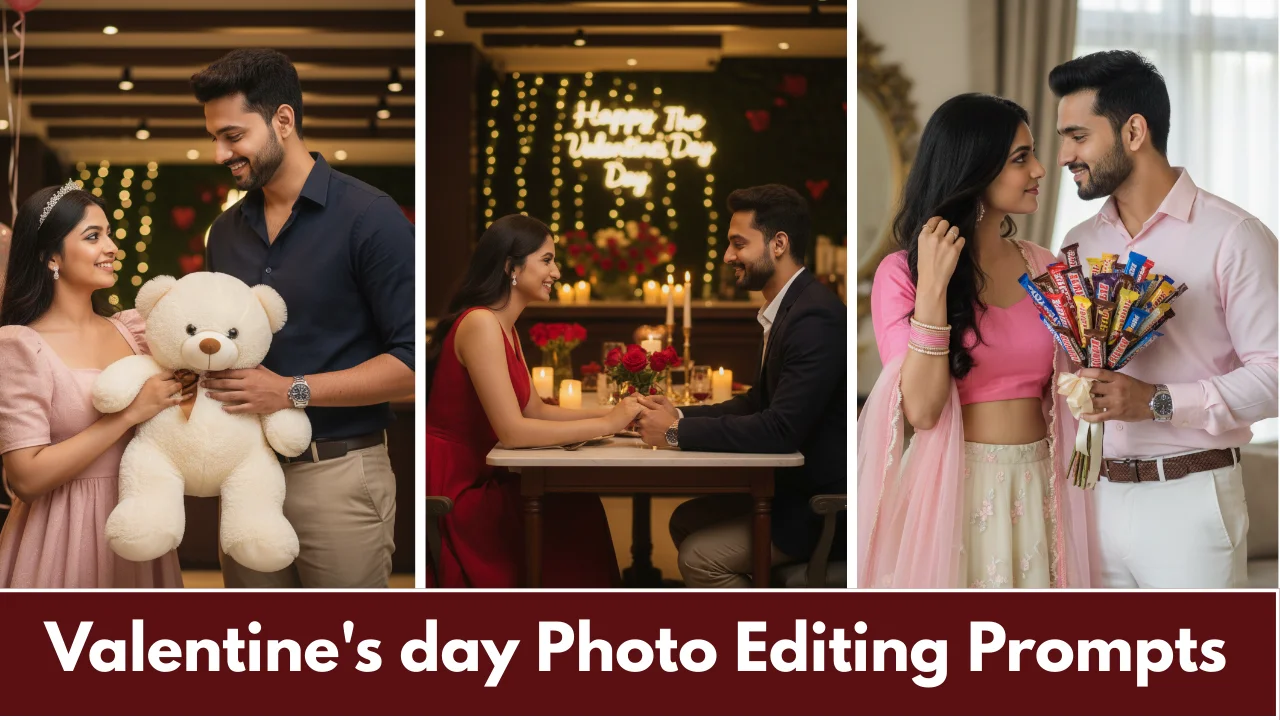
The advanced AI photo editing software of 2026 provides creators with new methods to change their original photographs into attractive images through automated intelligent algorithms, which perform improved image processing, element extraction, and artificial content creation. The ai photo editing tools enable content creators who need to edit their portrait and action shots and social Reels content to complete their work in less time while achieving professional quality outcomes. The range of AI photo editing software starts with free tools including Pixlr, and concludes with high-end software products, which include Luminar Neo.
The best AI photo editing applications of 2026 provide advanced intelligent capabilities that automatically complete difficult editing tasks. The Luminar Neo application identifies itself as the top photo editing software because it offers three features, which include AI Sky Replacement that enables users to change dull skies into dramatic sunsets with three simple clicks, Portrait Bokeh AI that provides immediate blur for depth-of-field effects, and Relight AI that allows users to change light distribution in their images without the need for protective masks.
Top AI Photo Editing Tools 2026
| App | Key AI Features | Platforms | Pricing | Best For |
| Luminar Neo | Sky swap, relight, portrait AI | Mobile/Desktop | $79 once | All creators |
| PhotoDirector | Object erase, effects | Mobile | Free/$4.99/mo | Social media |
| Photoroom | Background remove | Mobile/Web | Free/Pro | E-commerce |
| Fotor | Auto enhance, upscale | Mobile/Web | Free/Pro | Beginners |
| Picsart | Generative art | Mobile | Free/$11.99/mo | Reels edits |
The Rise of AI in Photo Editing
It accelerated dramatically from 2020’s basic auto-enhance filters to 2026’s full creative ecosystems powered by models like ByteDance Seedream-v3, Adobe Firefly, and Stability AI SD3. Early tools handled simple tasks like red-eye removal; now best tools 2026 perform inpainting, outpainting expand canvas intelligently, super-resolution upscaling (4K to 16K), and style transfer turn portraits into Studio Ghibli art. Professional adoption surged 81% of photographers report reclaiming editing time, reducing burnout by 62% through batch automation.
The apps, which work with mobile devices, gained popularity in Pakistan because 85% of photographers use smartphone cameras to take pictures. The upcoming year will bring advances in three areas, which include real-time AR previews see edits live on your face, voice-activated commands, and personal profiles that learn your editing style from 100 photos. The future will include complete three-dimensional conversion of photographic images andthe development of video-to-image extraction capabilities that maintain temporal consistency.
AI Photo Editing Applications
This provides an advantage by eliminating the need for manual work because they enable users to achieve professional-quality results within a few seconds. The apps excel at understanding visual context because they enable users to select elements from their images, while Photoroom automatically determines which parts of the image to keep, and Luminar Neo creates matching sky lighting based on existing foreground shadows. Time savings average on batches, beginners achieve Hollywood polish without tutorials.
The quality improvements denoise technology enable it to recover details from night market scenes, while face recovery technology enables natural wrinkle smoothing. The cost-effective solution allows freelancers to charge for each set of edited content they deliver, and viral Reels achieve a 10x increase in engagement. Creative freedom expands generate impossible scenes. The use of cloud technology results in a 70% decrease in required processing power to run operations.
Best AI Photo Editing App
The application that delivers the best performance in 2026 is Luminar Neo because it enables content creators to edit portraits and action shots while traveling through its one-click tools that produce professional results without complex settings.
Core AI Features:
- Sky Replacement: Users can select from 50+ presets (golden hour, dramatic storms), which create natural-looking transitions that match all lighting and shadowing and reflective elements that exist in Multan sunsets to produce visually appealing landscapes in 3 clicks.
- Portrait Bokeh AI: The technology delivers immediate background blur through accurate edge recognition which enables users to control background brightness, color temperature, and glow effects for family pictures that need to highlight the main subjects.
- Supercontrast AI: The software extends dynamic range from shadows to midtones and highlights to enable users to retrieve details from overexposed shrines and underexposed night markets without creating halo artifacts.
- Upscale AI: The software enables 600% enlargement of smartphone photos while maintaining all visual details for 8K print-ready output which results in no pixelation for Daraz product photography and Instagram banner designs.
Cross-Platform Excellence:
- iOS 18+, Android 15+, Mac M1+, Windows 11 full feature parity across devices.
- The software enables offline editing functions through its support of HEIC/RAW/DNG files which work with over 1,000 camera models including iPhone 16 Pro and Samsung S26 and Sony A1.
- The mobile workflow process begins with shooting and continues through importing and enhancing until 4K/60fps HEIC files are exported for Instagram Reels.
Pricing & Value:
- The software provides a lifetime license which requires no subscription payments unlike Adobe’s annual cost of $240 while offering a 7-day complete trial period.
- The Free Extensions Marketplace allows users to obtain Noiseless AI and HDR Merge and Relight AI without any additional charges.
- Skylum has achieved 96% user satisfaction throughout its 10-year history while its App Store ratings stand at 4.8 out of 5.
Intuitive Interface:
- The user can imitate smartphone camera operation by aiming the device at a photo and selecting which will automatically adjust 12 parameters, including exposure, shadows, contrast, colors and sharpness.
- The software provides beginners with guided edits through which they can achieve “Fix portrait? ” Face reduces facial width while maintaining natural skin texture.
- Professionals will benefit from the software’s layers and masks because it enables them to create non-destructive stacking through its luminosity mask function.
Why #1 Over Competitors:
- The company does not charge subscription fees, which makes it more affordable than Adobe ($20/mo) or PhotoDirector ($4.99/mo recurring).
- The GPU acceleration technology makes processing 10 times faster than Lightroom does on M2 Macs.
- Wedding professionals can edit 1,000 photos in one hour, which helps them save 81% of their total time.
Strong Alternatives for Specific Needs:
- The software provides 1,000+ effects that users can apply to create creative Reels that include PSL glitches.
- Photoroom offers unlimited free access to its background removal service.
- Fotor provides a free tier that enables users to enhance their family photos through one-tap processing.
READ ALSO: AI video Editing Apps For Beginners
Free AI Photo Editing Tools
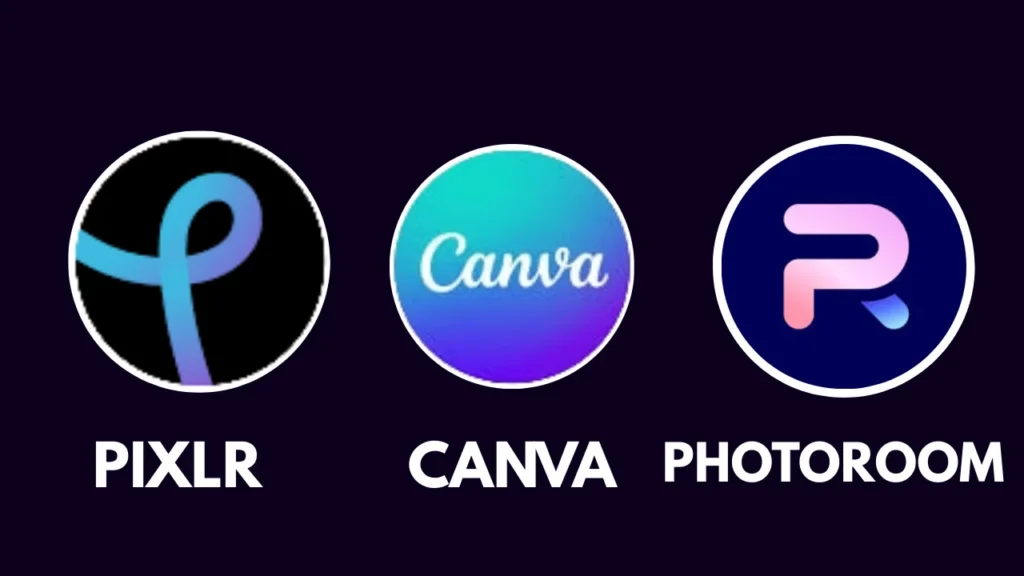
Free tools empower everyone without barriers: Pixlr (browser-based Generative Fill, Photoshop clone, unlimited with ads), Canva Magic Studio (erase/expand/generate 50/month free), Photoroom (background removal unlimited), Fotor (enhance/upscale 5/day), Photopea (full PS features), Clipdrop (Stable Diffusion inpainting free tier), GIMP + plugins (open-source). The Pixlr workflow enables users to upload images and use AI to remove elements before they export PNG files which are suitable for creating Amazone mockups. The system applies watermarks to all exports that exceed 1080p resolution while creating queues during peak usage periods. The chains strategy lets users first clean subjects in Photoroom before they create composites in Canva and finally apply polish in Pixlr. Creators receive access to free editing tools which they can use to create outfits collections.
| Tool | Free Features | Daily Limit | Export Quality |
| Pixlr | Fill, remove, enhance | Unlimited | 1080p (ads) |
| Canva | Magic erase, generate | 50 uses | Full (watermark Pro) |
| Photoroom | BG remove | Unlimited | 4K |
AI Photo Editing Tools
The tools encompass core engines: Inpainting (Photoshop fills selected areas), Outpainting (Luminar expands borders), Super-Resolution (Topaz 8x upscale), Neural Style Transfer (Picsart anime-fy), Denoise (Imagen recovers shadows), Face Enhancement (YouCam natural retouch), Shadow Generation (Photoroom realistic composites), and Relighting (Neo directional light). 2026 advances: Temporal consistency for photo sequences, lip-sync avatars, 3D depth maps. Users can create customized workflows through the integration APIs, which provide access to 600+ models from WaveSpeedAI.
AI Photo Editing App
YouCam Perfect (AI slimming, virtual makeup, wrinkle erase free with Pro $4.99/mo), Picsart (avatars, remix templates), Remini (photo restoration from scanned prints). The application enables users to operate all parts of the process from HEIC and RAW files until they create Reels through a simple one-touch export function. Teens developed the ideal selfie method, which allows creators to obtain multiple influencer packs.
Best AI Photo Editing Apps for Beginners
Best apps for beginners prioritize simplicity fotor (one-tap enhance, templates), Canva Magic, Pixlr (familiar web UI), Luminar Neo (guided tours). The Fotor workflow starts with users uploading their family picnic image followed by the system automatically enhancing the photo before users export their results. Users can achieve first-attempt success in 95% of cases without any need for user manuals. Free greeting templates abound. The program begins with basic training during the first week, followed by effects training in the second week, and pro composite training in the first month.
Advanced AI Tools for Professional Photographers
The advanced tools empower professional photographers to process high volumes of work through Aftershoot and Imagen and Topaz Photo AI and Evoto and Retouch4me. Aftershoot enables users to preserve 81% of project time when working on weddings while Imagen maintains consistency throughout all shooting sessions.
Conclusion
The best AI photo editing tools 2026 have completely changed how we create and share photos because they make professional photo editing accessible to all people who need to edit Eid family pictures and professional photographers who need to work on wedding galleries. You have tested the top applications which include Luminar Neo the best application which provides lifetime access for 79 dollars and Adobe Photoshop AI and Topaz Photo and Pixlr and Photoroom which both offer essential free tools that provide actual benefits without requiring payment. The key features which include Generative Fill and Sky Replacement and object removal and denoise and upscale capabilities reduce editing time by 80 percent while delivering high quality results for TikTok Reels Instagram posts and Daraz product listings.
FAQs
1. What is the best AI photo editing app 2026?
Luminar Neo tops all charts because its one-click tools which include Sky Replacement and Portrait Bokeh and Upscale AI provide mobile and desktop users with 96 percent satisfaction through lifetime license.
2. Which are the best free tools?
Pixlr (Generative Fill, web-based), Photoroom (unlimited background removal), Canva Magic Studio (50 free AI uses/month), and Fotor (basic enhancement) all provide watermark-free content which users can share on social media.
3. What are the top apps for mobile?
PhotoDirector (effects/Reels), Picsart (generative creativity), YouCam Perfect (selfies), and Remini (old photo restoration) function on iOS and Android operating systems while they permit users to edit content without internet access and export videos in 9:16 format.
4. How do apps help beginners?
Fotor helps users to repair family photos through its one-tap enhance feature and auto background removal tool and guided templates which require no prior experience.
5. Free vs paid which one to choose?
Free options from Pixlr and Canva serve social users who need 80 percent of their requirements because they include advertisements. Users must pay for Luminar Neo and Adobe to access unlimited file processing and RAW file handling and advanced printing capabilities.
The content on CoolEdits is written by a passionate creator M Naveed with hands‑on experience in photo editing, AI prompt engineering, and social media trends. With a strong focus on practical results, the author regularly tests tools, analyzes trends, and shares techniques that actually work for modern content creators.